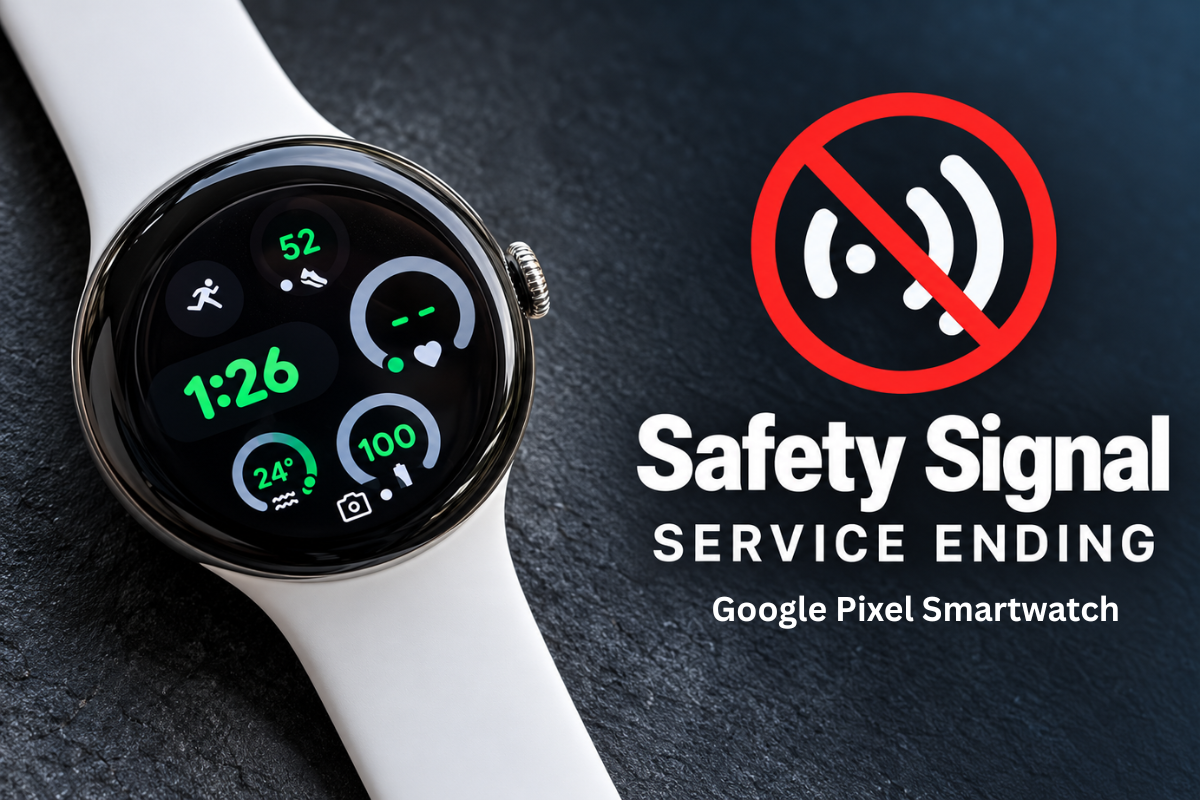
Google Pixel Watch Safety Signal Is Ending. Here’s What Seniors Need to Know
If you or someone you love relies on a Google Pixel Watch for fall detection or emergency help, there is an important date to know: December 12, 2026. Google is ending Safety Signal for the LTE versions of the Pixel Watch 2 and Pixel Watch 3. For seniors who use a smartwatch for safety, this change raises an important question: what happens if you fall or need help when your phone is not nearby?
What Is Changing With Google Pixel Watch Safety Signal?
Announced on October 8, 2026, Google’s decision to end Safety Signal affects eligible Google Health Premium subscribers who use the LTE versions of the Pixel Watch 2 and Pixel Watch 3.
Safety Signal provided a cellular connection for certain safety features without requiring users to purchase a separate mobile plan for their watch. These features include:
- Emergency SOS: A way to contact emergency services or a designated emergency contact.
- Fall Detection: Can detect certain falls and initiate an emergency response.
- Safety Check: Helps users arrange a check-in when they are going somewhere alone.
Google will notify affected users by email and push notification. A 30-day transition period begins with the email notification, and Safety Signal access without a separate carrier plan ends on December 12, 2026.
For anyone who relies on a Google Pixel Watch for emergency protection, it is worth reviewing their current setup before the change takes effect.
Will Google Pixel Watch Fall Detection Still Work?
Technically, yes. Google is not removing Fall Detection, Emergency SOS or Safety Check entirely. However, these Google Pixel Watch safety features depend on connectivity. After Safety Signal ends, they can still work when the watch has a supported connection, such as:
- Bluetooth: The watch is connected to a nearby paired phone.
- Wi-Fi: The watch has access to a suitable Wi-Fi connection.
- Mobile data: The watch has an active cellular plan through a supported carrier.
The difference matters when you leave your phone at home or go somewhere without Wi-Fi.
For example, if you fall while walking alone and your watch has no supported connection, it may not be able to send an emergency alert. Fall detection also cannot detect every fall, and no wireless device can guarantee that an emergency call will connect. Google recommends setting up a mobile plan or eSIM if you want to maintain cellular connectivity when away from your phone.
What This Means for Seniors Who Live Alone
For many older adults, a smartwatch is more than a way to check messages or count steps. It can also be part of a plan to stay independent.
But consider these everyday situations:
- You fall at home. Your phone is charging in another room, and you cannot get up to reach it.
- You go for a walk. You leave your phone behind and need help while you are out alone.
- You cannot speak after a fall. You need a device that can initiate an alert and a clear plan for what happens next.
These situations are why seniors and their families should look beyond whether a device has fall detection. They should also understand how the alert is sent, who receives it and what support is available afterward.
Smartwatch vs. Medical Alert System for Seniors
A smartwatch offers useful everyday features, including activity tracking, notifications and, on supported models, fall detection and emergency calling.
A medical alert system for seniors is designed specifically to help someone get assistance during an emergency. Depending on the device and service, it may include a connection to a 24/7 monitoring centre, two-way communication and automatic fall detection.
Before choosing a safety device, ask these questions:
- Can I call for help without my smartphone nearby?
- Is a separate cellular plan required?
- Does the device connect to a live monitoring team or only notify emergency contacts?
- Is fall detection included, and what are its limitations?
- What happens if I cannot press a button or speak?
- How long does the battery last, and how will I know when it needs charging?
The answers can help you decide whether your smartwatch meets your needs or whether a dedicated medical alert device would offer more suitable support.
Is a Medical Alert Watch a Better Option?
For some people, a smartwatch remains the right choice. Others may prefer a dedicated medical alert watch or another medical alert device designed around emergency assistance.
Senior Protection offers medical alert solutions for older adults who want to maintain their independence while having access to help when needed. Depending on the product and plan, available features may include fall detection, two-way communication and 24/7 monitoring.
The right choice depends on your needs, how often you are away from your phone and the type of response you want in an emergency. Some people may choose to keep their smartwatch for everyday use and add a medical alert device for extra support.
What Should You Do Before December 12, 2026?
If you own a Google Pixel Watch 2 LTE or Pixel Watch 3 LTE, take a few minutes to review your safety setup.
- Check Google’s notification about the end of Safety Signal.
- Confirm whether your watch has an active cellular plan.
- Test your emergency contacts and review your Fall Detection settings.
- Check how your watch connects when you leave your phone behind.
- Compare medical alert systems if you need another way to reach help.
Make Sure Your Safety Device Is Ready When You Need It
The end of Google Pixel Watch Safety Signal is a reminder that fall detection and emergency calling are only part of the picture. Connectivity, battery life and the response to an alert matter, too.
If you or someone you love relies on a smartwatch for senior safety, now is a good time to review the available options.
Contact Senior Protection at +1 (866) 416 0838 or visit us at https://seniorprotection.ca/to learn more about medical alert systems for seniors and find a solution that supports independent living.
Source: Google’s official announcement about the end of Safety Signal.